PhishSpot.ai
Crafted the scan-and-protect flow that checks a creator profile against billions of images in one pass—rolling image matching, metadata checks, and behavior analysis into a single impersonation-risk verdict.
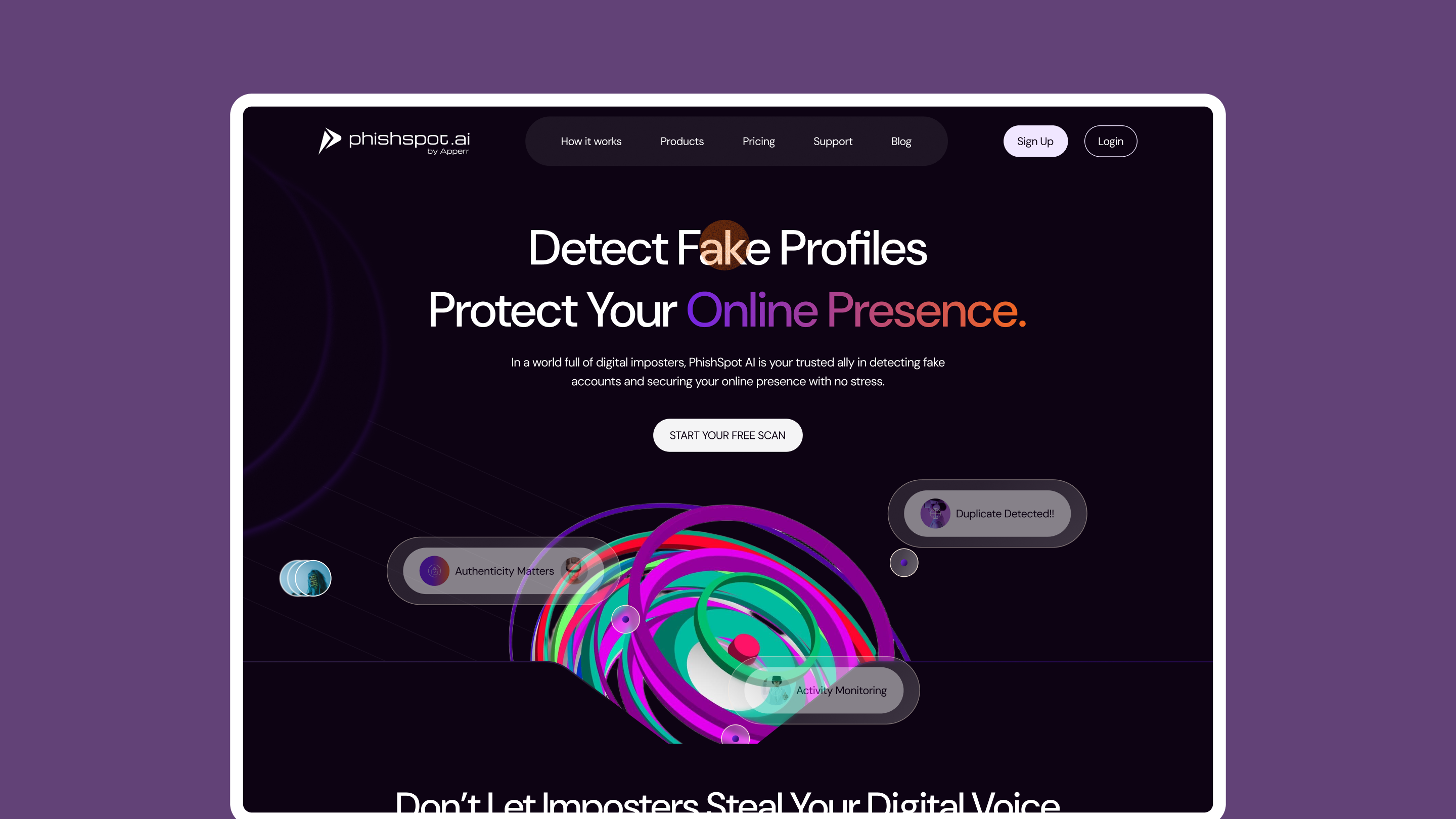
Everyday creators had no way to act on AI security signals because existing enterprise tools dumped raw technical telemetry (like "Vector Mismatch: 0.84") with no resolution path.
Owned end-to-end 0→1 product design and brand identity—removing account walls for instant handle scanning, designing a live 10–15s radar visualizer, and building 1-click pre-filled legal takedowns.
Shipped 25+ responsive web and mobile screens across 4 primary workflows (Scan · Detect · Review · Takedown) and a complete Auto-Layout 5.0 design system; selected for Georgia Tech CREATE-X.
Overview
PhishSpot.ai is an AI-powered trust layer that detects fake profiles, impersonation accounts, and social media phishing threats, built for everyday creators, influencers, and small brands on Instagram, TikTok, and Facebook. I owned the end-to-end product design and foundational brand direction.
Problem worth solving
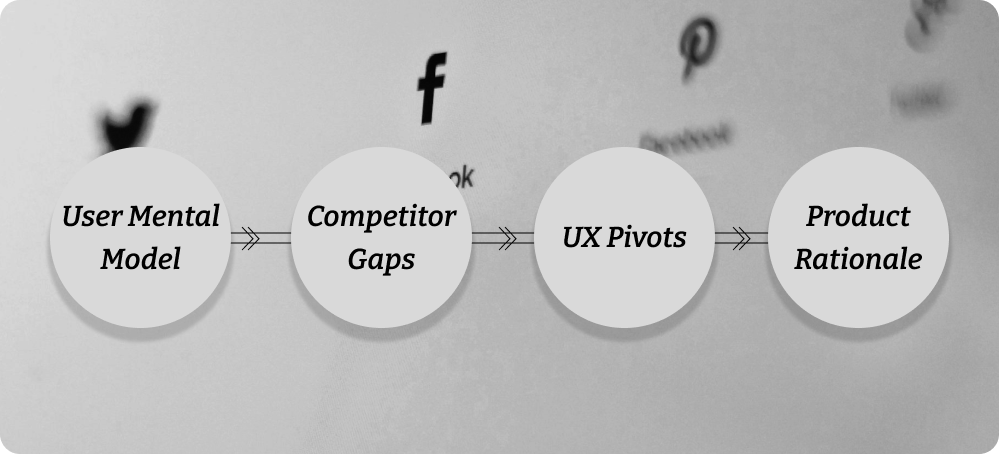
Everyday creators had no way to understand or act on AI security signals because existing tools dumped raw technical data with no next step.
“How do you make invisible, deep-tech AI security signals usable to someone with zero security background?”
What I was brought in to solve
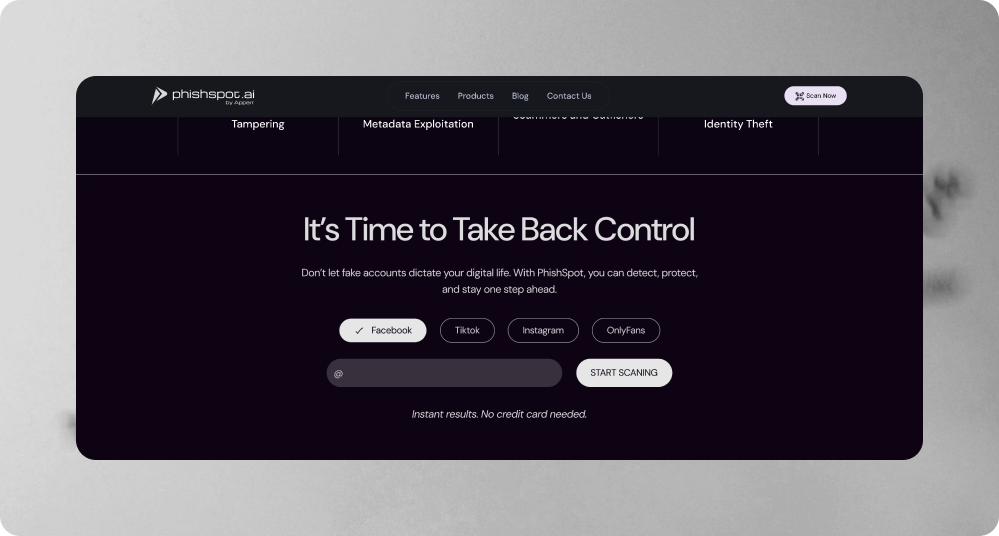
Design the 0→1 product experience and visual identity so creators can scan a social handle without friction, understand the AI risk verdict in plain language, and trigger a formal takedown in one click.
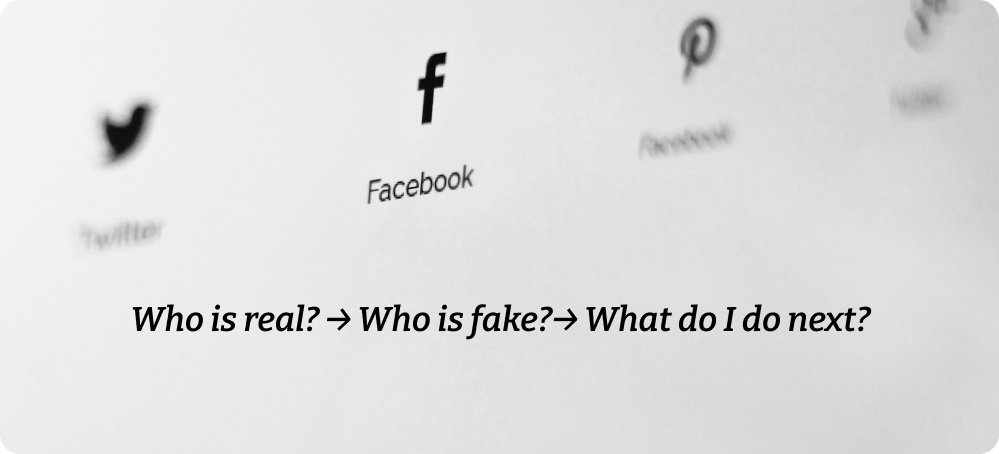
How I approached it
Competitor Gaps & Market Opportunity
- Enterprise Protection (ZeroFox, BrandShield): Overwhelming dashboards, required sales calls, expensive enterprise contracts.
- Native Social Reporting (Instagram, TikTok): Slow, buried in settings menus, frequently ignored without legal language.
- PhishSpot Rationale: Combine consumer-grade simplicity with deep automated threat detection.
Key UX Pivots
- Removing Account Walls: Forcing registration before scanning caused high bounce rates. Moving the handle search directly to the landing page increased engagement.
- Designing for Wait Time: AI scanning takes 10 to 15 seconds. Replacing static loading spinners with a live status visualizer reduced user drop-off during processing.
The output
I designed a flow that turns complex, invisible AI security signals detection straight into a plain-language verdict and one-click resolution.
1. Instant Scan Entry
- Allows creators to run an immediate threat check by entering a handle (@username) or uploading an image.
- Requires zero setup to view initial threat levels.
2. Live Scan Visualizer
- Replaces static loading indicators with an interactive radar displaying real-time AI checks ("Checking Bio Metadata... Analyzing Profile Picture Vectors...").
- Builds user trust by transparently demonstrating backend analysis.
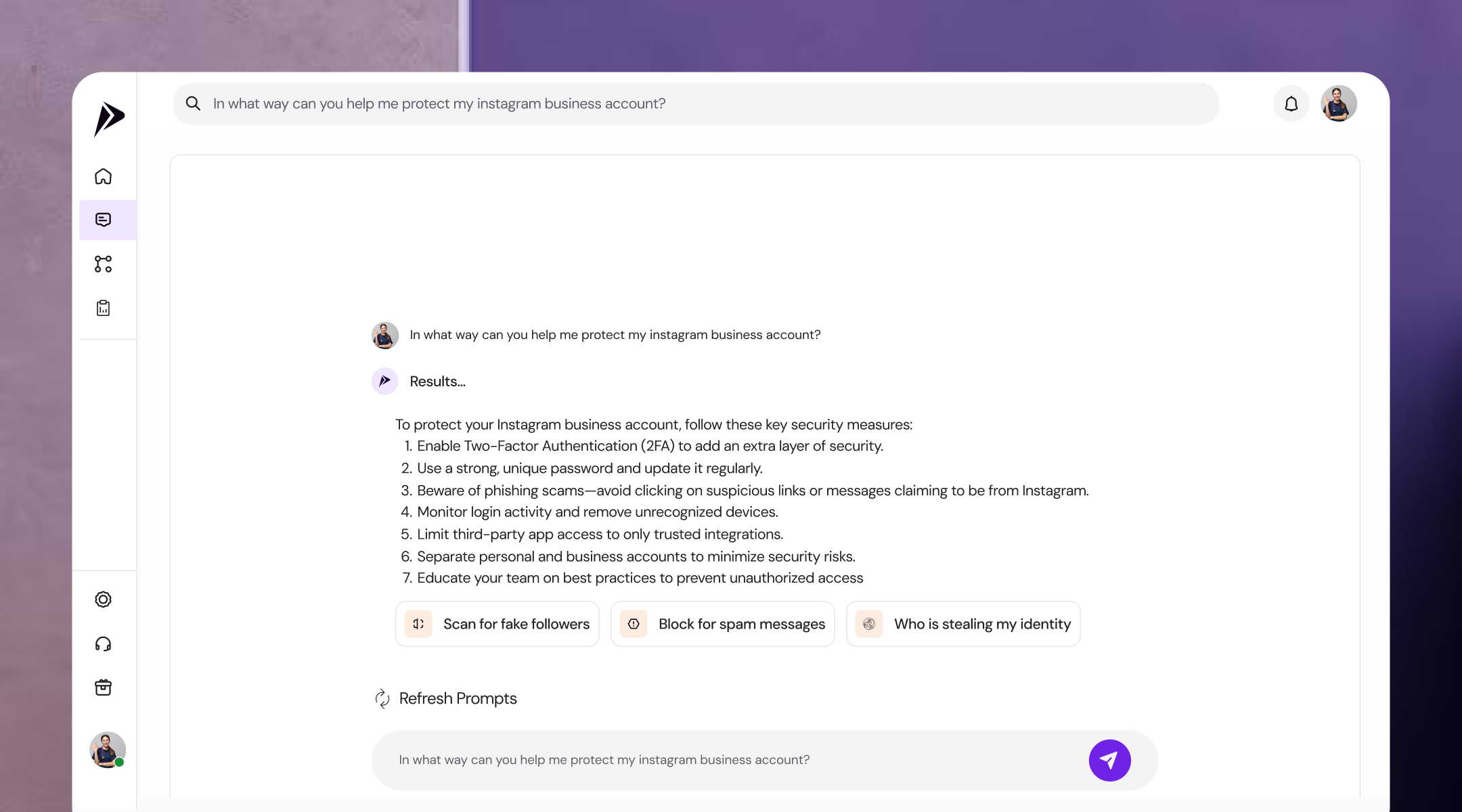
3. Plain-Language Threat Verdicts & 1-Tap Takedowns
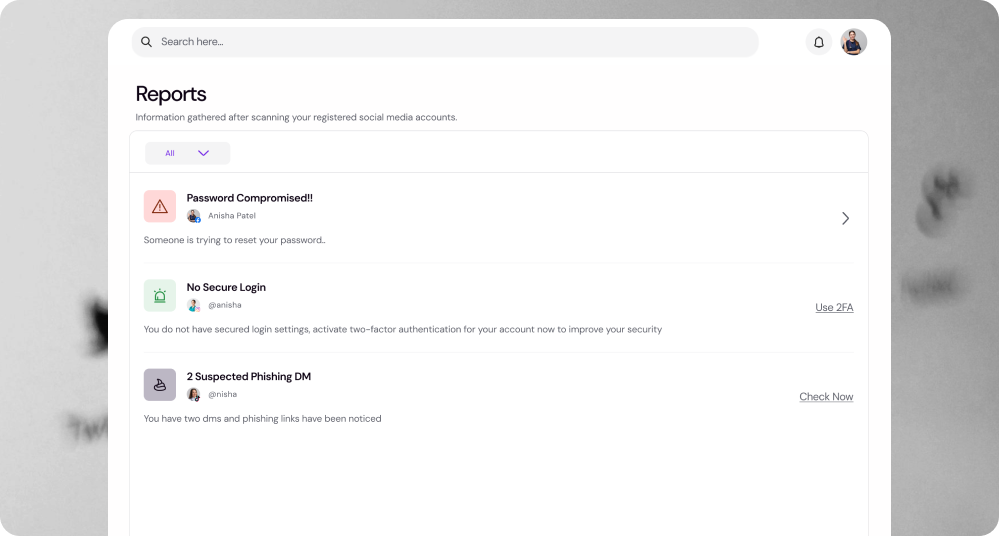
- Translates raw telemetry into clear visual risk tags (Password Compromised, 2 Suspected Phishing DMs).
- Replaces complex reporting forms with pre-filled legal takedown notices.
- Enables users to send formal takedown requests directly to social networks in a single tap.
Brand Identity & Design System
- Visual Identity: Modern geometric logo blending a protective shield with digital network nodes.
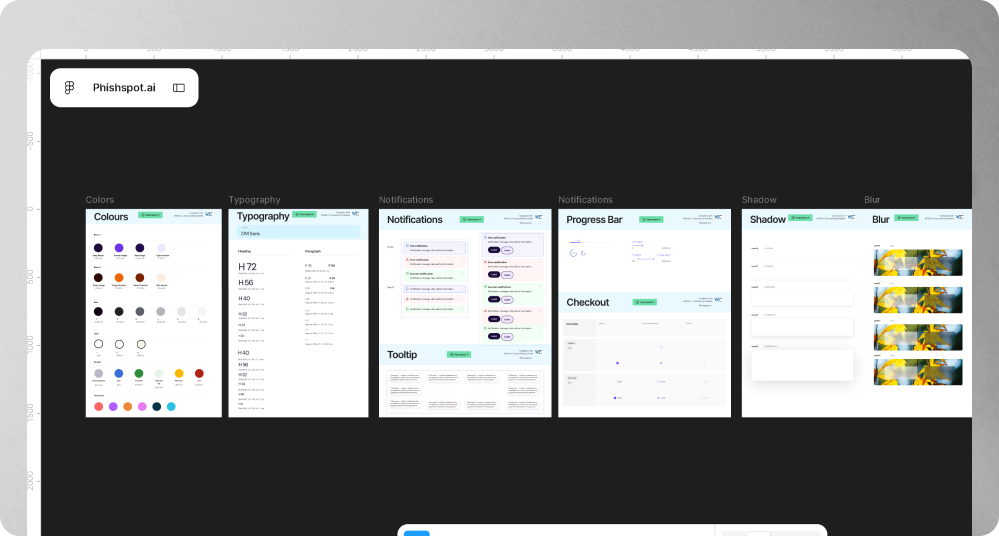
- Figma UI Kit: Full Auto-Layout 5.0 structure, semantic color variables, responsive typography scales, and modular button/card states.
Impact
What I’d tell the next designer
- Progress Transparency Builds Confidence: Showing the active steps behind AI processing validates platform accuracy and reduces perceived wait times.
- Action Over Alarm: Security software must focus on resolution, not just alerting users to problems.
- Plain Copy Converts: Replacing technical jargon with clear conversational copy transforms user panic into confident action.